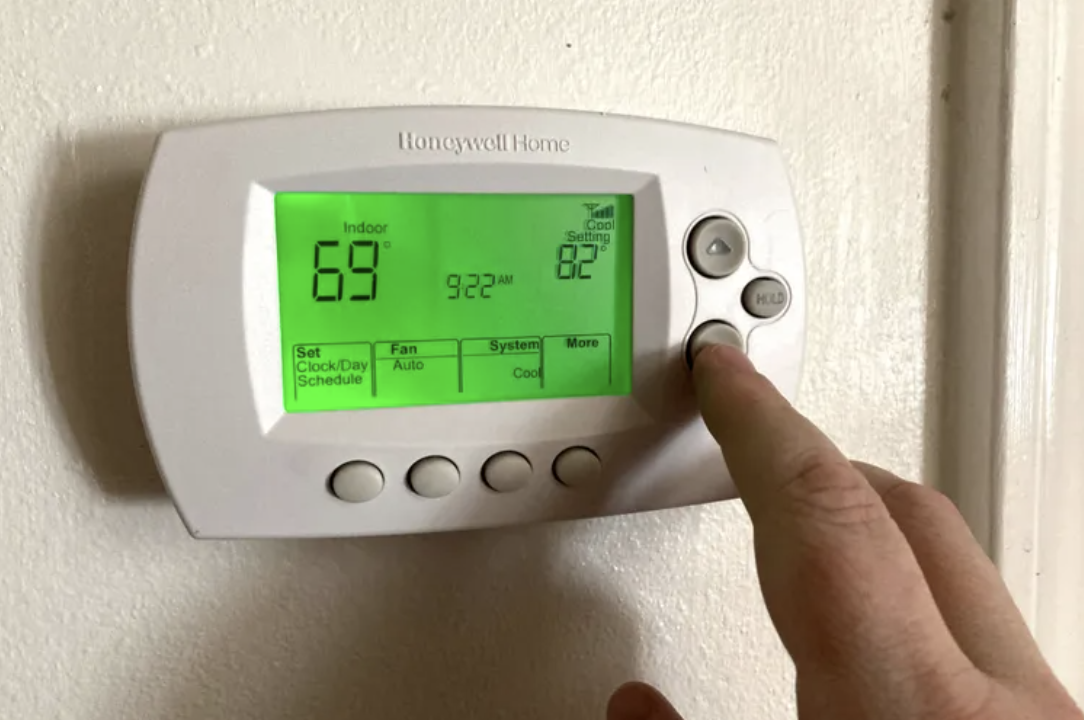


Non-programmable thermostats are simple, easy to use, and inexpensive to purchase. However, they also leave a large margin for wasting energy and increasing heating and cooling costs. Programmable thermostats take little time to learn and often pay for themselves in energy savings in a year or less. Replacing non-programmable thermostats with programmable models can reduce heating and cooling costs by 10% or more per year – and make your home, office, or House of Worship more comfortable; with a little bit of additional management you can save another 10%. Plus, because they are digital, they contain no mercury and are safer for the environment.
The main benefit of programmable thermostats is their ability to change the temperature several times a day, 7 days a week, based on how your house of worship is used. Manual thermostats require users – whether congregation members, staff, or outside groups that use the building – to remember to reset the thermostat when they leave, leading to energy waste if they forget. A programmable thermostat “remembers” what humans often forget.
Thermostat technology works best when paired with intentional human behavior. While it is tempting to “set and forget” thermostats, a small amount of attention and effort will help you maximize savings:
Smart stewardship isn’t just about the tools—it’s about how we use them.
There are several types of programmable thermostats:
When shopping for a new thermostat, look for ones that are 7-day programmable, not 5/2; 5/2 means that there is a single setting for weekdays, and one for weekends. This may work for a home or a typical business, but houses of worship typically have much more variable schedules, and a 5/2 thermostat will mean you are heating rooms that aren’t being used. With a 7-day model, you can schedule each day based on your worship times, staff schedule, and use of the building by outside groups. In addition, look for thermostats that allow you to set multiple periods; in the past, thermostats typically allowed only 4 periods: wake, leave, return, and sleep. Again, this may be sufficient for a home or business, but will likely be too limited if the usage of your building is more variable.
While “smart” or “learning” thermostats sound attractive for their ease of use, they are not a good fit for a house of worship. While they can learn the schedule of a typical home (e.g., when people leave for work and when they come home), the irregular schedules of houses of worship are too complicated for them.
Wi-Fi-enabled thermostats are extremely useful and becoming very common for houses of worship. Using an app on your phone or tablet, you can change the programming, turn on heating/cooling for a time when it isn’t programmed, and manage the system without having to physically be at the house of worship.
Programmable thermostats often include other features that may or may not be useful to you:
For forced air systems, changing filters is an often overlooked task but dirty filters reduce the efficiency – and potentially the lifespan – of equipment. Having a reminder on the thermostat is a useful nudge. If you have a service contract for your system, likely your HVAC technician will change the filters as part of the routine check up.
Adaptive Recovery is a useful feature. Instead of an individual guessing how long it might take to heat or cool the space then setting the time the system turns on, the thermostat “remembers” how long it took the last time the space was heated or cooled, and turns on at just the right time. This feature goes by various names including Early Start, Intelligent Recovery or Smart Recovery (not to be confused with a Smart/Learning thermostat described above).
Geofencing senses when a user is near (using an app on the user’s phone) and turns on the heating or cooling ahead of when the person arrives at the building. This is likely not a useful feature for houses of worship. It is likely that many different people are at the building at different times and so it would be impractical to have each person download and activate the app. Similarly, with the number of people who use a house of worship building, voice activation may not be a useful feature.
The MassSave program often has discounts of $100 or more on many models such as Google Nest, Sensi, Honeywell, Ecobee and other brands of thermostats; check at this site: https://www.poweredbyefi.org/masssave/rebated-products/smart-thermostats.html
Programmable thermostats are easy to install and can usually be mounted in place of existing ones. Depending on your HVAC system, there may be 2 to 10 wires but the installation instructions and videos provided by most thermostat manufacturers walk you through the process. One of the most common complications is that newer thermostats usually require a “C” or common wire to provide electricity and some older HVAC systems may not have this wire; in this case, the manufacturer typically makes an adapter kit available. If installation is complex, contact your local HVAC service technician or have them install it when they come for their annual system check-up.
IMPORTANT: If your old thermostat contains mercury (common in older models), do not throw it in the trash. Take it to your local hazardous waste recycling center.
To maximize savings, MassIPL recommends establishing a heating/cooling schedule and assigning someone to manage it, either a staff person or a volunteer. The strategy is to align settings with your building’s usage schedule, set occupied and unoccupied temperatures to recommended levels, and check regularly to ensure accuracy.
Begin by creating a usage schedule. For each day of the week, determine which areas are used for what hours. Start with your clergy and staff to understand their work hours, then check with groups and committees that have meetings, and finally document the schedule of any outside groups using the building. Monitor this throughout the year and change thermostat settings as these schedules change. You should check at least twice a year for Daylight Savings and Standard time which is also a good time to make sure the day is set correctly. With Wi-Fi-enabled thermostats, you can make these changes from a smartphone, which is particularly useful when unexpected events or schedule shifts happen (like canceled meetings, new services, or changes in building use).
MassIPL follows the Energy Star program recommendation for setting the temperature when spaces are occupied between 68–70 in winter and 78 in summer; if your thermostat doesn’t have adaptive recovery feature, set the time for the occupied temperature to come on about 2 hours before people are due to arrive. The unoccupied temperatures should be at least 8 degrees different but the more the difference, the more you will save. However, if the unoccupied time is fewer than 8 hours, it is best to leave the occupied temperature. For example, if your staff leaves at 5:00 pm and there is a meeting at 8:00 pm, leave the thermostat at the occupied temperature and schedule it to go to the unoccupied temperature after the meeting is over. Of course, the comfort and productivity of staff is important, so adjust these recommendations if needed.
Just having thermostats that are programmed accurately to heat and cool the building only when it is used saves a significant amount of energy, money, and carbon emissions. But with a little extra effort, you can save another 10% – about $1500 for an average house of worship.
In New England, the late fall and late winter are known as “shoulder seasons”. The outdoor temperatures are typically in the 40’s in the daytime and usually stay in the 30’s overnight. These temperatures present little risk of frozen pipes and the temperatures are moderate enough that even a 50°F indoor temperature is not uncomfortable. The lower you can set the unoccupied temperature, the more money you will save.
MassIPL suggests the following seasonal schedule:
The exact dates and temperatures you set will be influenced by two factors: how cold the winter is and how well insulated your building is. A few years ago we had a quite mild winter where the 50-degree shoulder season setting was fine until January. If your building has poor insulation, you may need slightly higher temperatures to ensure pipes don’t freeze. When you first try this strategy, monitor your building and adjust as needed.
Heat pumps may require a different approach. Typically, they are most efficient when left at the same temperature all the time and, if the temperature is set back, are slower to bring the temperature to the desired level. But if areas of your house of worship aren’t used during the week, it doesn’t make sense to leave them at the occupied temperature. You may need to experiment with settings to find what works most efficiently in your building.
Heating and cooling are the largest energy users in your house of worship. Upgrading to more efficient equipment is desirable when it comes time to replace aging equipment. In the meantime, a little bit of time and attention goes a long way to keeping costs down and being good stewards of the environment.
Want to print, share, or view this article offline? Click the link below to download it as stand-alone file.
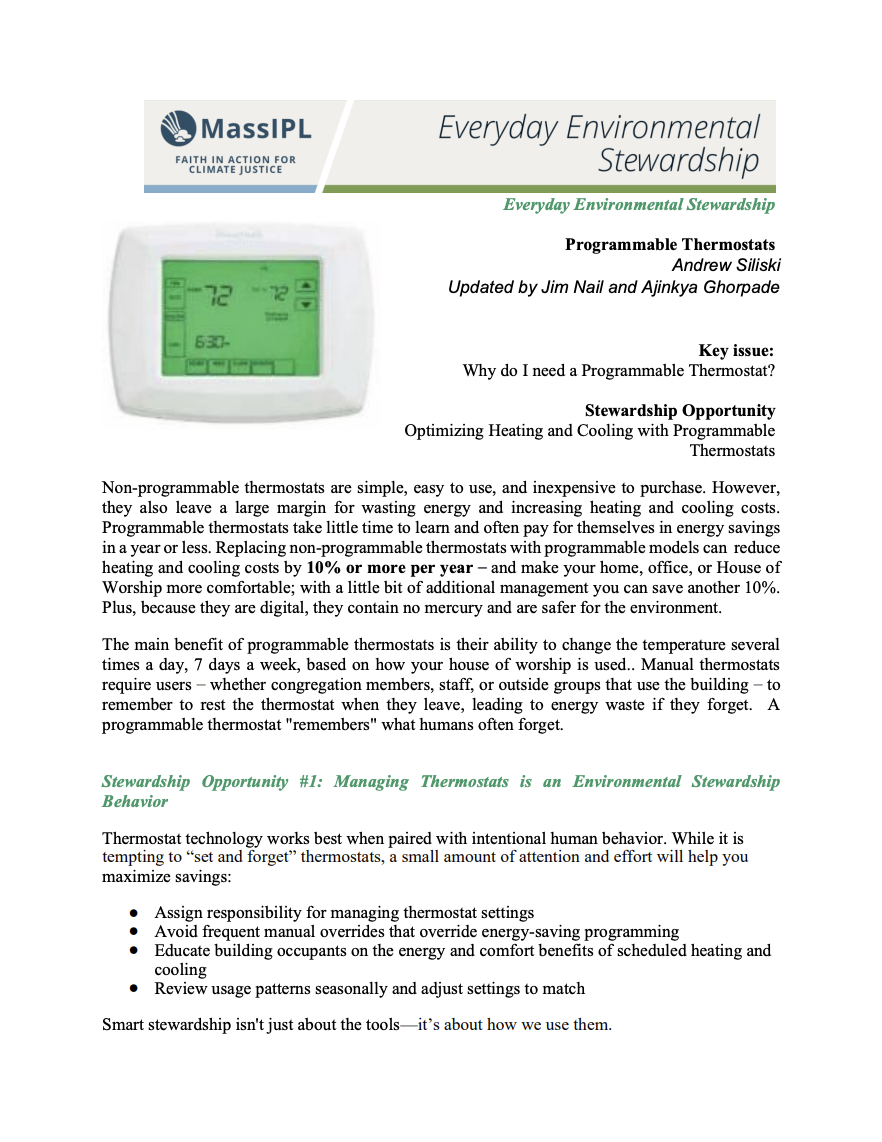
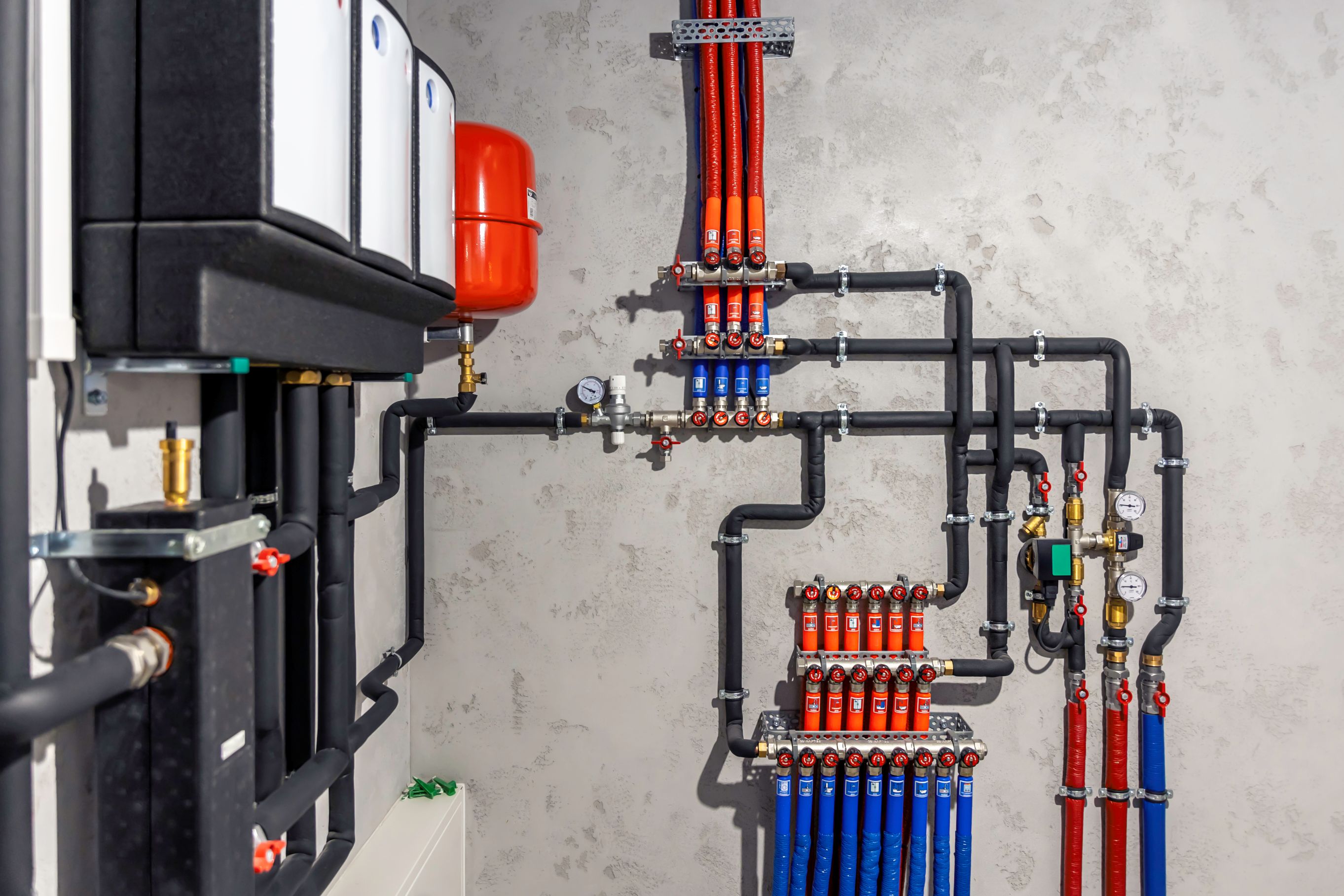
A step-by-step guide to exploring geothermal for your house of worship: how it compares with air-source heat pumps, the incentives that make it affordable, how to get started, what challenges to expect, and where networked geothermal is headed.
.png)
An introduction to how ground-source heat pumps work, how they compare with air-source heat pumps, and why they may offer long-term sustainability and financial benefits.
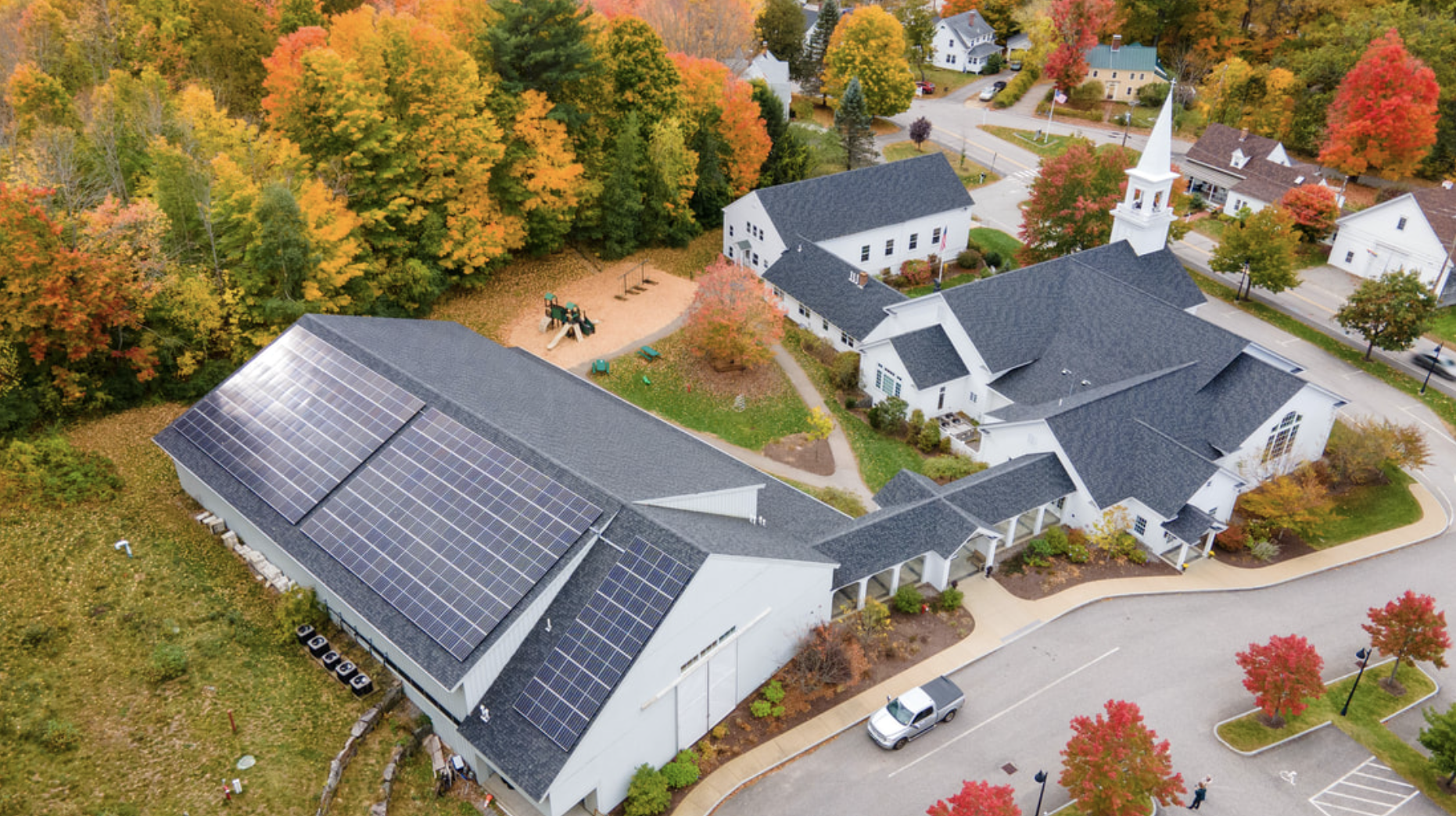
The key characteristics of solar photovoltaic systems and what makes a building a good fit.

